Lists
List styles are applied to the current line when an activation key is pressed after specific characters.
By default, the activation keys are either Space or Tab. Activation is canceled when the Shift key is held.
The Shift key behavior can be reversed by setting List Detection to Reverse in the settings panel.
You can also apply or clear list styles using the list style panel in the floating menu.
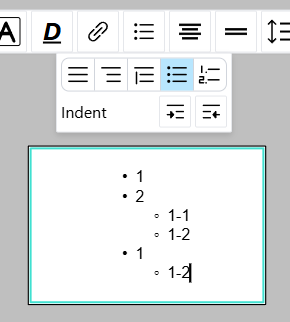
Bullet List
Activating with - or * starts a bullet list.
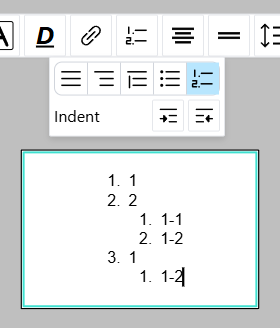
Ordered List
Activating with 1., 2., and so on starts an ordered list. The markers are automatically determined in the list.
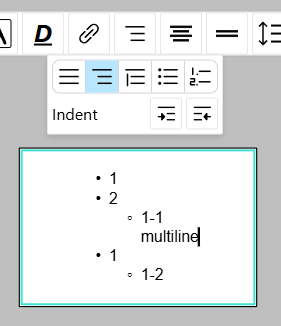
Empty List
Pressing Shift + Enter breaks the list line without adding a list marker to the new line.
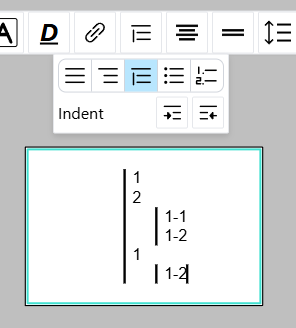
Quote Block
Activating with the > character starts a quote block.