Align box
An align box is a container that holds multiple shapes and aligns them according to specified alignment properties.
Direction
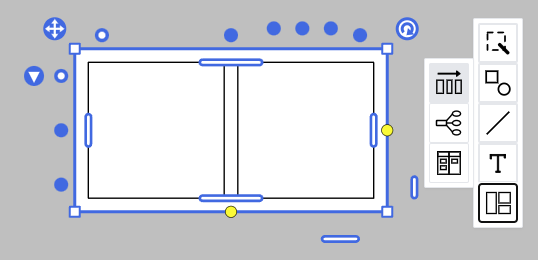
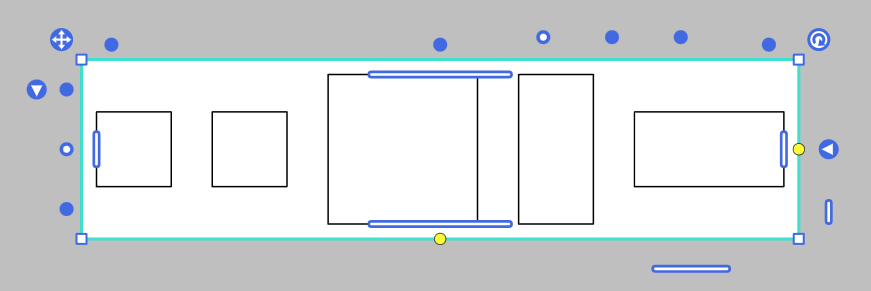
An align box aligns shapes either horizontally or vertically. The direction can be changed by clicking the button near the top left of the shape.
The align-items and justify-content properties work according to the current direction.
align-items
The align-items property sets the vertical alignment within each row.
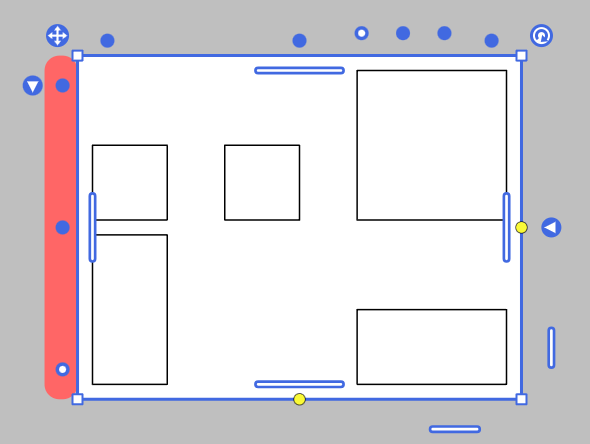
Available values are:
startcenterend
justify-content
The justify-content property sets the horizontal alignment and spacing within each row.
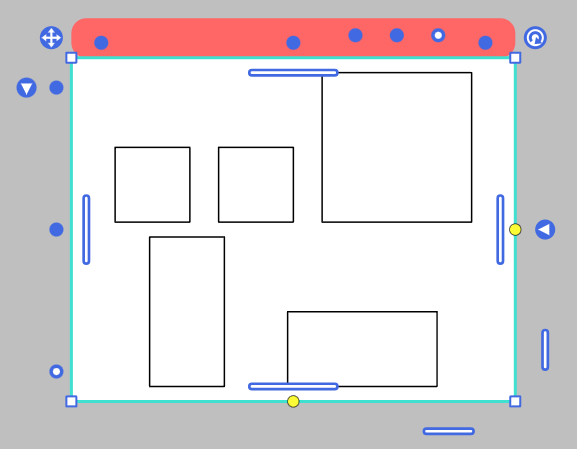
Available values are:
startcenterspace-betweenspace-aroundspace-evenlyend
Width and Height
The size of the align box automatically adjusts according to its content. Once the size is manually set, the content wraps within the specified size.
You can resize the align box without scaling its content by dragging the yellow anchors located at the right or bottom of the shape.
You can clear the manually set size by clicking the button located at the right or bottom of the shape.
Padding
Padding can be set for each edge of the align box.
Margin
You can set the margin between items within a line and between lines.